Read Swiss QR Code
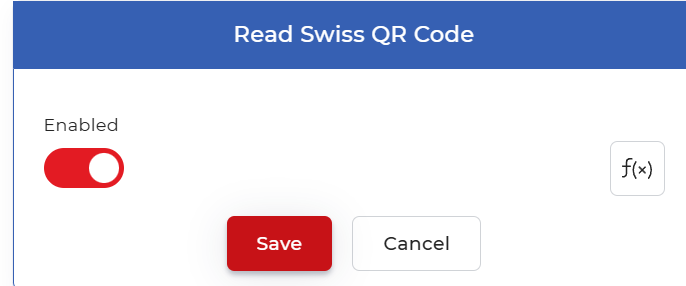
The Read Swiss QR Code action scans the PDF it receives for a Swiss QR Code and decodes the payment information stored inside it. It takes the PDF from the previous step as input and returns that same document along with a data context that holds the extracted fields, so later steps can read values such as the creditor IBAN, the amount, the currency, the reference number, and the creditor and debtor details. The action has no settings of its own. It runs with only the standard Enabled toggle, so you drop it into the pipeline and it reads whatever Swiss QR Code is present in the incoming document.
Use it when you automate Swiss invoice handling. Read the QR-bill on an incoming supplier invoice and pass the amount and IBAN into an accounting or approval step, check a scanned payment slip against an expected reference number before you file it, or pull the structured payment data from a batch of QR invoices so a later step records each one without manual entry.
Configuration
Configure the Read Swiss QR Code step in the workflow builder:
Action overview
| Input | Single PDF document that contains a Swiss QR Code |
| Output | The same PDF document from the previous action, plus a data context containing the decoded Swiss QR Code data |
How to use in a workflow
Place Read Swiss QR Code after the step that supplies the PDF, which is either a trigger that picks up a new invoice file or an earlier action that produced one. The action leaves the document unchanged and adds the decoded fields as a data context, so the PDF keeps flowing to later steps while the payment values stay available alongside it. Point a following action at that context to act on the values: store a field with Set Variable, forward the invoice with Send Email, or save it to cloud storage with Save to Google Drive.
Try it in PDF4me Workflows
Open the Workflows dashboard, create a workflow, and add the Read Swiss QR Code step to run this on your own documents.