PDF4me Java SDK Getting Started
com.pdf4me:pdf4me on Maven Central is the official Java SDK for the PDF4me Core API v2. It exposes 107 document actions across 18 areas — conversion, optimization, merging, splitting, stamping, e-signing, OCR, form filling, extraction, barcodes, ZUGFeRD e-invoicing, and AI-based extraction from invoices, receipts, contracts, bank statements, tax documents and pay stubs — all from a single Pdf4meClient object.
Unlike an in-process PDF library, nothing is rendered inside your JVM: the client calls the PDF4me API, waits for the job, and hands you the finished file. There are no native dependencies to ship and no PDF engine to keep patched.
Package facts
| Field | Value |
|---|---|
| Coordinates | com.pdf4me:pdf4me |
| Current version | 2.0.0 (published 2026-11-17) |
| Packaging | jar |
| License | MIT |
| Java support | Java 11 or later |
| Execution model | Synchronous — each call blocks until the job finishes |
| Thread safety | Safe to share one client between threads |
| Maven Central | central.sonatype.com/artifact/com.pdf4me/pdf4me |
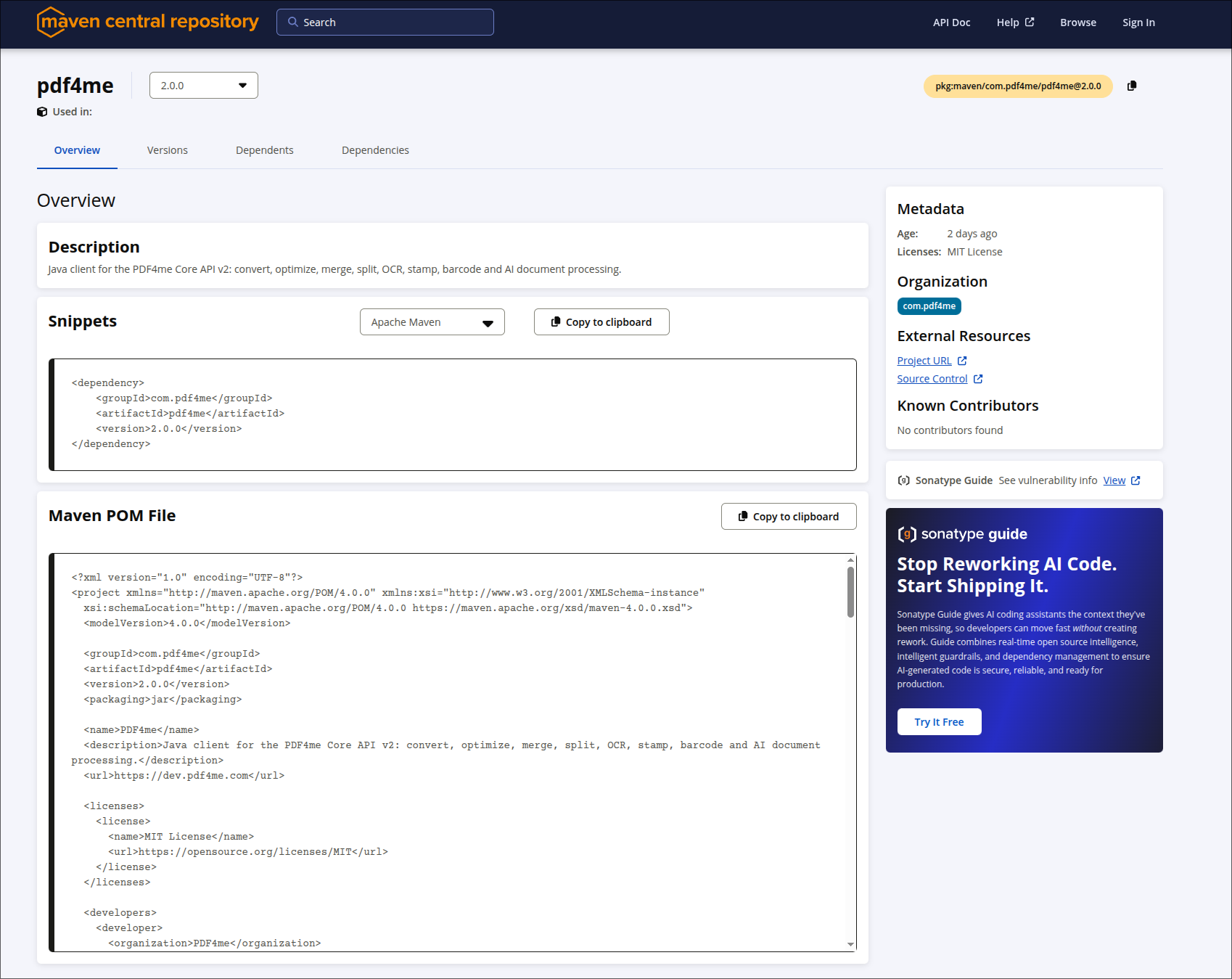
Under the hood the client is generated with Microsoft Kiota on top of OkHttp, so every action is typed and the whole client reuses one pooled connection.
Prerequisites
- Java 11 or newer.
- A PDF4me account and API key.
- Maven or Gradle (both resolve Maven Central by default).
Install
- Maven
- Gradle (Kotlin DSL)
- Gradle (Groovy)
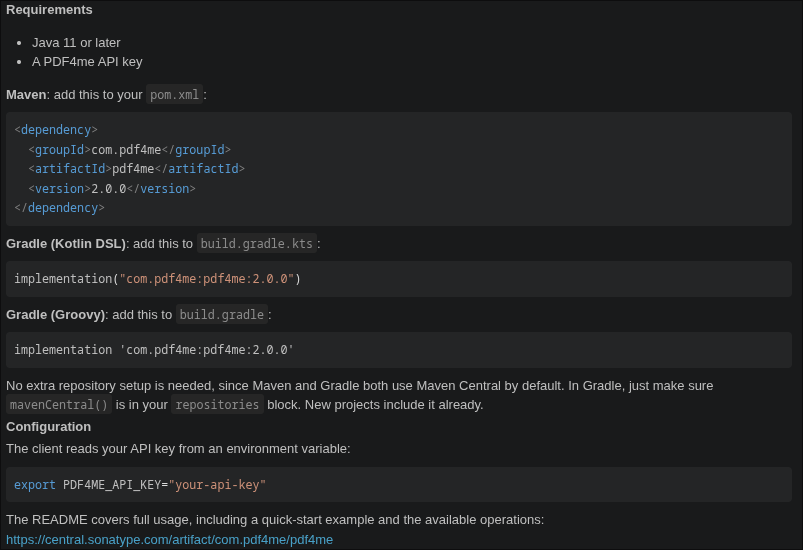
Add this to your pom.xml:
<dependency>
    <groupId>com.pdf4me</groupId>
    <artifactId>pdf4me</artifactId>
    <version>2.0.0</version>
</dependency>
Add this to your build.gradle.kts:
implementation("com.pdf4me:pdf4me:2.0.0")
Add this to your build.gradle:
implementation 'com.pdf4me:pdf4me:2.0.0'
No extra repository setup is needed, since Maven and Gradle both use Maven Central by default. In Gradle, just make sure mavenCentral() is in your repositories block — new projects include it already.
Installing the package also pulls in the Microsoft Kiota runtime (microsoft-kiota-abstractions, microsoft-kiota-http-okHttp, and the JSON, text, form and multipart serialization backends), jakarta.annotation-api and gson.
Authenticate
The client reads your API key from an environment variable:
- Bash / Zsh
- PowerShell
export PDF4ME_API_KEY="your-api-key"
$env:PDF4ME_API_KEY = "your-api-key"
The key is sent to the API as Basic <apiKey>. Requests, jobs and polls are logged at DEBUG to the System.Logger named com.pdf4me; nothing logged carries your API key or a document's content.
Quick start
Optimize a PDF and write the result next to it:
import com.pdf4me.client.DocumentSource;
import com.pdf4me.client.OptimizeOptions;
import com.pdf4me.client.OptimizeProfile;
import com.pdf4me.client.Pdf4meClient;

import java.nio.file.Files;
import java.nio.file.Path;

public class Optimize {

    public static void main(String[] args) throws Exception {
        String apiKey = System.getenv("PDF4ME_API_KEY");

        try (Pdf4meClient client = new Pdf4meClient(apiKey)) {
            byte[] optimized = client.optimize(
                    DocumentSource.of(Path.of("in.pdf")),
                    new OptimizeOptions().profile(OptimizeProfile.WEB));

            Files.write(Path.of("out.pdf"), optimized);
        }
    }
}
Create one client and reuse it. It keeps a pooled connection, so a client per call would re-establish TLS every time.
Passing a document
Every action takes a DocumentSource, which is one of three things:
| Call | What it sends |
|---|---|
DocumentSource.of(Path.of("in.pdf")) | A local file, read now and sent base64-encoded |
DocumentSource.of(bytes) | Bytes you already have, sent base64-encoded |
DocumentSource.ofReference("https://example.com/in.pdf") | An https URL, or a pdf4meblobid://<id>, resolved by the API |
A plain String is never read as a local file path — use DocumentSource.of(Path) for that.
Every action has two forms
// Defaults
byte[] pdf = client.optimize(DocumentSource.of(Path.of("in.pdf")));

// With options
byte[] pdf = client.optimize(DocumentSource.of(Path.of("in.pdf")),
        new OptimizeOptions().profile(OptimizeProfile.COMPRESS_MAX));
Options classes are fluent and all carry docName and maxWait alongside their own settings.
Two more common calls
Merge several PDFs — note that merge takes a List:
import java.util.List;

byte[] merged = client.merge(List.of(
        DocumentSource.of(Path.of("a.pdf")),
        DocumentSource.of(Path.of("b.pdf"))));
Run OCR over a scanned PDF so its text becomes searchable:
byte[] searchable = client.convertOcrPdf(DocumentSource.of(Path.of("scan.pdf")));
Actions that answer with JSON return a typed model instead of byte[]:
ProcessInvoiceModel invoice = client.processInvoice(DocumentSource.of(Path.of("invoice.pdf")));
SplitPdfRes split = client.splitPdf(DocumentSource.of(Path.of("bundle.pdf")));
What is available in the box (107 actions across 18 areas)
The action groups chain by inheritance and all of them land on Pdf4meClient, so there is nothing extra to import — every call below is a method on your client.
| Area | Actions | Example calls |
|---|---|---|
| AI document extraction | 14 | client.processInvoice(...), client.processReceipt(...), client.processBankStatement(...) |
| Barcode | 7 | client.createBarcode(...), client.readBarcodes(...), client.createSwissQrBill(...) |
| Convert | 13 | client.convertHtmlToPdf(...), client.convertUrlToPdf(...), client.convertPdfToWord(...) |
| Edit | 7 | client.stamp(...), client.addPageNumber(...), client.addHtmlHeaderFooter(...) |
| Excel | 1 | client.findAndReplaceTextInExcel(...) |
| Extract | 8 | client.parseDocument(...), client.extractTableFromPdf(...), client.classifyDocument(...) |
| Find & search | 2 | client.convertOcrPdf(...), client.findAndReplace(...) |
| Forms | 2 | client.fillPdfForm(...), client.addFormField(...) |
| Generate | 6 | client.generateDocumentSingle(...), client.generateDocumentMultiple(...) |
| Image | 13 | client.resizeImage(...), client.compressImage(...), client.addTextWatermarkToImage(...) |
| Merge & split | 5 | client.merge(...), client.splitPdf(...), client.splitPdfByBarcode(...) |
| Optimize | 1 | client.optimize(...) |
| Organize | 5 | client.rotate(...), client.extractPages(...), client.deleteBlankPages(...) |
| 17 | client.getPdfMetadata(...), client.digitalSignPdf(...), client.highlightText(...) | |
| PDF4me | 1 | client.updateHyperlinkAnnotation(...) |
| Security | 2 | client.protect(...), client.unlock(...) |
| Word | 2 | client.findAndReplaceTextInWord(...), client.disableTrackingChangesInWord(...) |
| ZUGFeRD | 1 | client.createZugferdInvoice(...) |
Client options
Pdf4meClientOptions controls the host and the timeouts. Every setting has a working default:
import java.time.Duration;

Pdf4meClient client = new Pdf4meClient(apiKey, new Pdf4meClientOptions()
        .maxWait(Duration.ofMinutes(10)));
| Setting | Default | What it caps |
|---|---|---|
baseUrl(String) | https://api.pdf4me.com | The API host |
timeout(Duration) | 100 seconds | Every single HTTP request |
maxWait(Duration) | 5 minutes | Total wait on one queued job, across all its status polls |
OCR jobs run longer than most, so the OCR actions wait at least 10 minutes regardless. When the server sends no Retry-After, the client polls every 10 seconds. Any action can override maxWait for a single call through its options object.
Errors
Failures are unchecked, so nothing forces a try/catch you do not want:
| Exception | When |
|---|---|
Pdf4meException | The API refused or failed the request |
Pdf4meTimeoutException | The job did not finish within maxWait |
java.io.UncheckedIOException | The network failed, or a local file could not be read |
try (Pdf4meClient client = new Pdf4meClient(apiKey)) {
    byte[] pdf = client.optimize(DocumentSource.of(Path.of("in.pdf")));
    Files.write(Path.of("out.pdf"), pdf);
} catch (Pdf4meTimeoutException e) {
    // The job outlasted maxWait — raise it, or retry later.
} catch (Pdf4meException e) {
    // The API refused the request — check the key, the input and the options.
}
Troubleshooting
| Symptom | Cause and fix |
|---|---|
Pdf4meException on the first call | The API key is wrong or missing. Confirm PDF4ME_API_KEY is set in the environment the JVM actually sees. |
Pdf4meTimeoutException on OCR or large files | The job outlasted maxWait. Raise it per call, or on the client with new Pdf4meClientOptions().maxWait(...). |
| Dependency not found | The artifact is on Maven Central. In Gradle, check that mavenCentral() is in repositories. |
Compile errors on Path.of or List.of | Both need Java 11. Check maven.compiler.release or your Gradle toolchain. |
A String path is treated as a URL | Strings are never read as file paths. Use DocumentSource.of(Path.of("in.pdf")). |